Start here
Final Fantasy Resonance Guide: Start With the Demo
Get started with Final Fantasy Resonance: learn what the adventure is about, choose a supported platform, and find the demo or full game on your storefront.
Updated
- Guides
- 36
- Topics
- 3
- On this page
- 7
What Final Fantasy Resonance Is
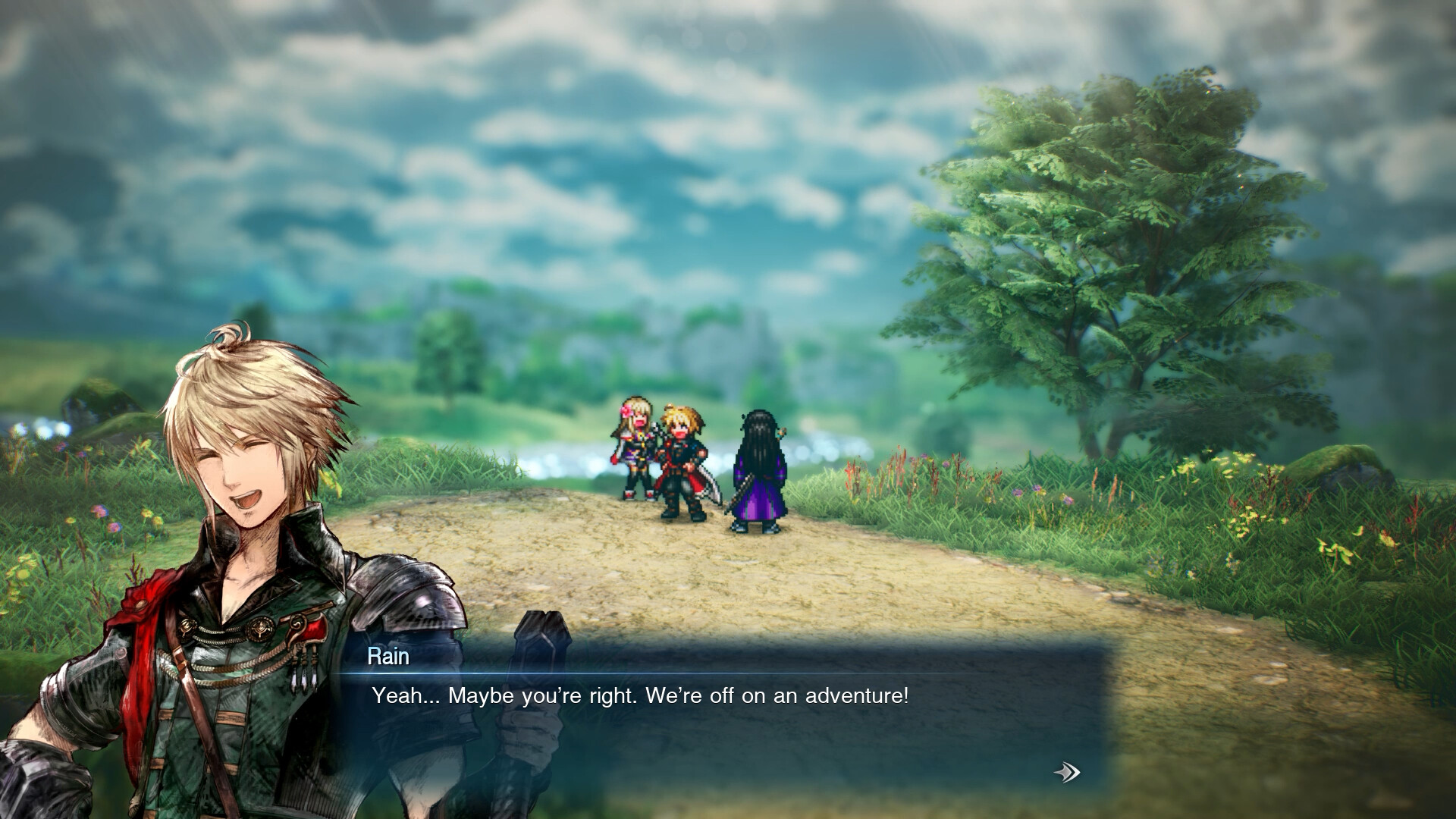
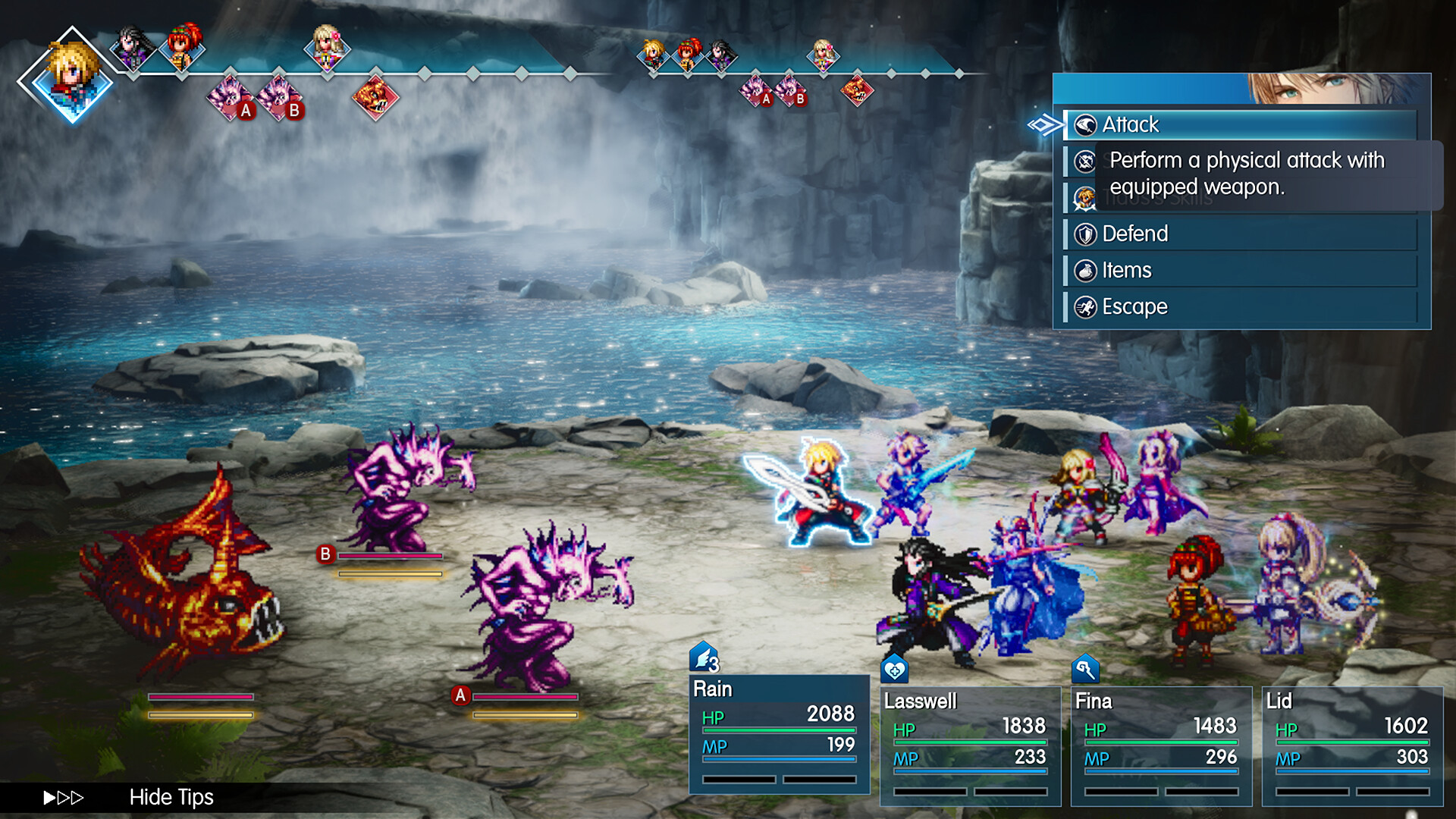
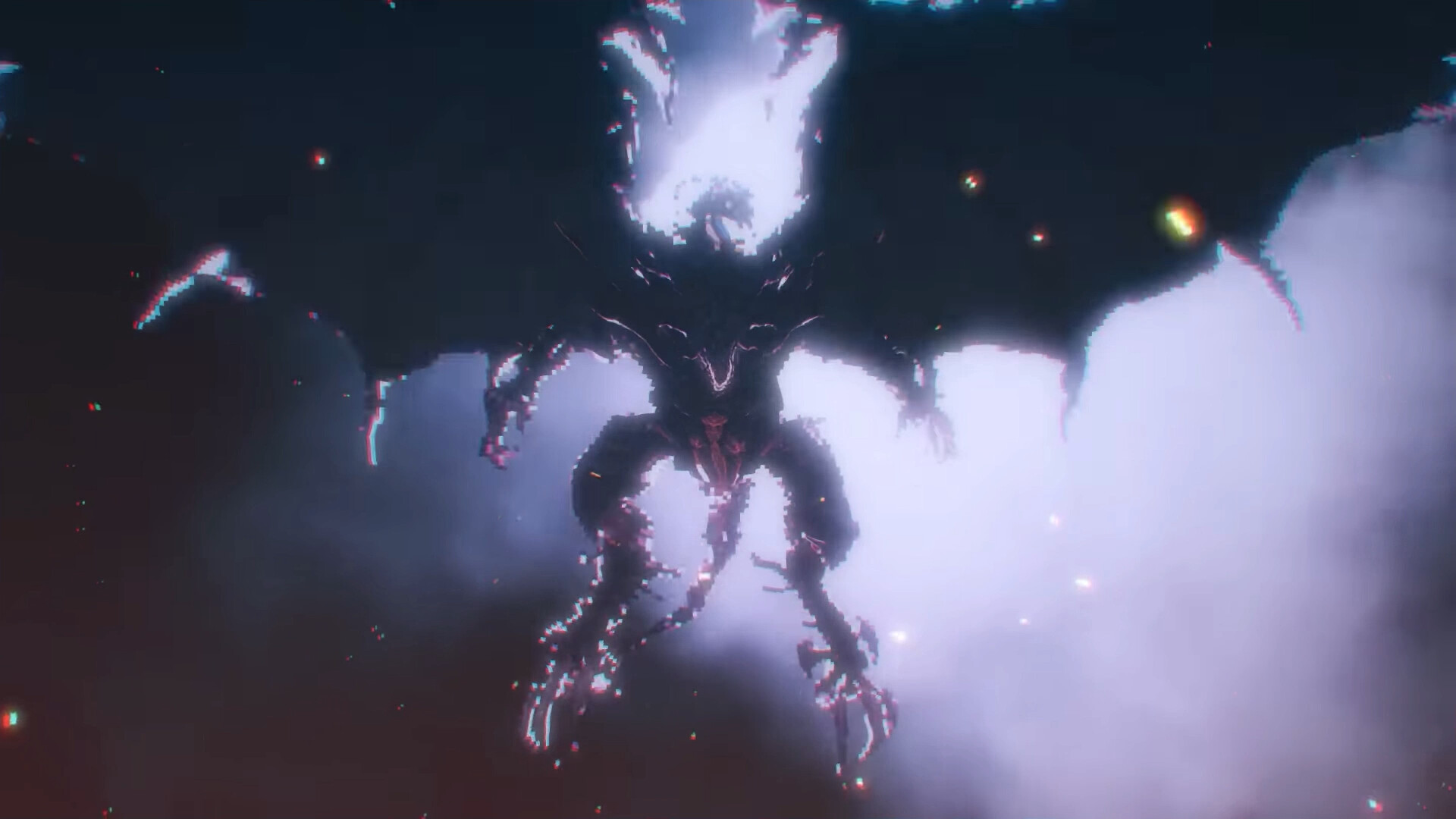
Final Fantasy Resonance is a single-player, HD-2D, turn-based RPG developed by Square Enix and LANCARSE, following Rain, Lasswell and their allies on a journey involving threatened crystals. Start with the free demo on your chosen platform’s storefront, or buy the full game to begin the complete adventure.
Your Adventure and Main Objective
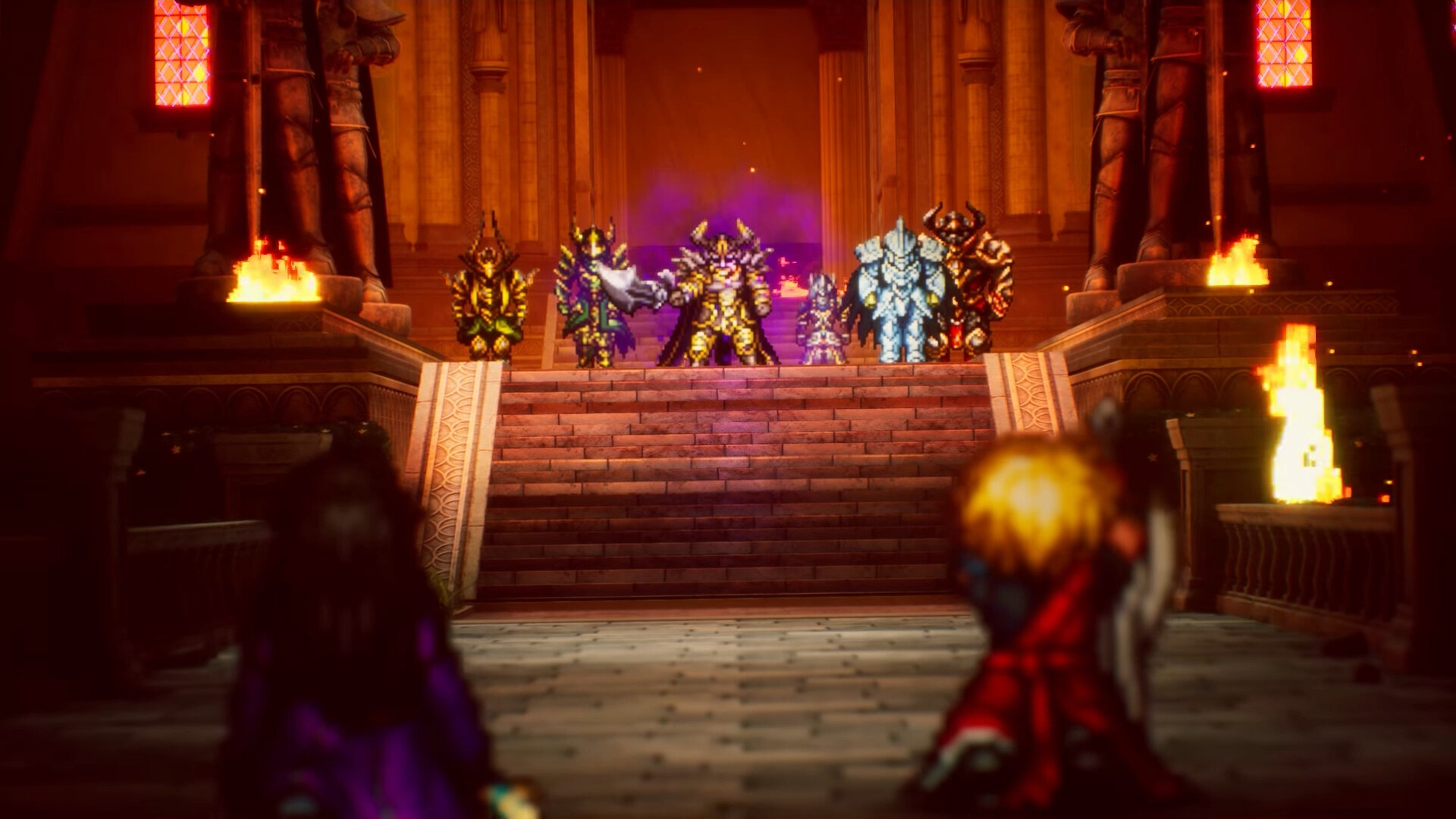
Your goal is to uncover the truth behind a force that threatens to bring everything to ruin, travelling with companions and calling on Visions to help in battle. The story rebuilds the first story arc of Final Fantasy Brave Exvius around Rain, Lasswell and their companions. Square Enix publishes the game as well as sharing development duties with LANCARSE.
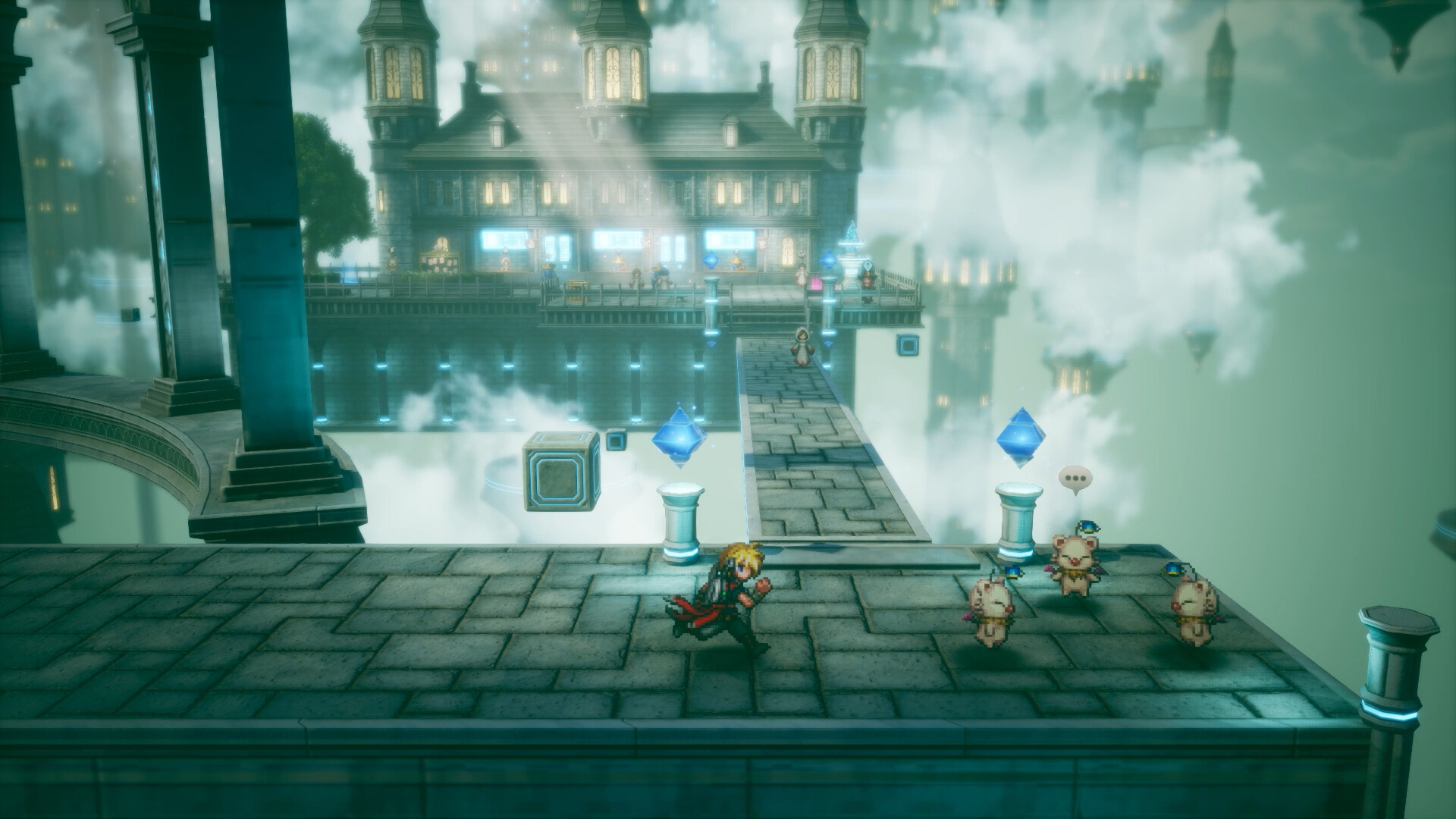
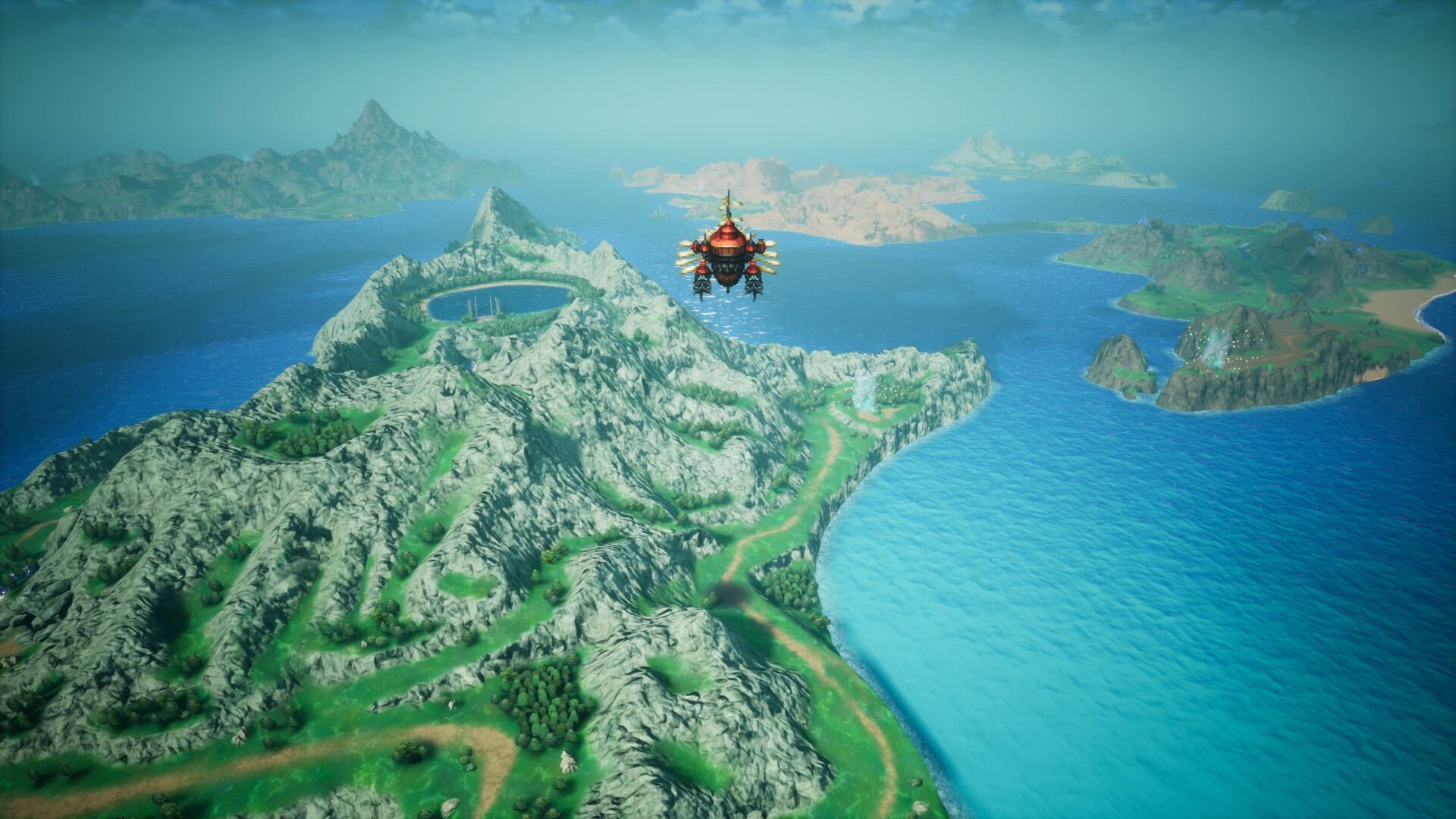
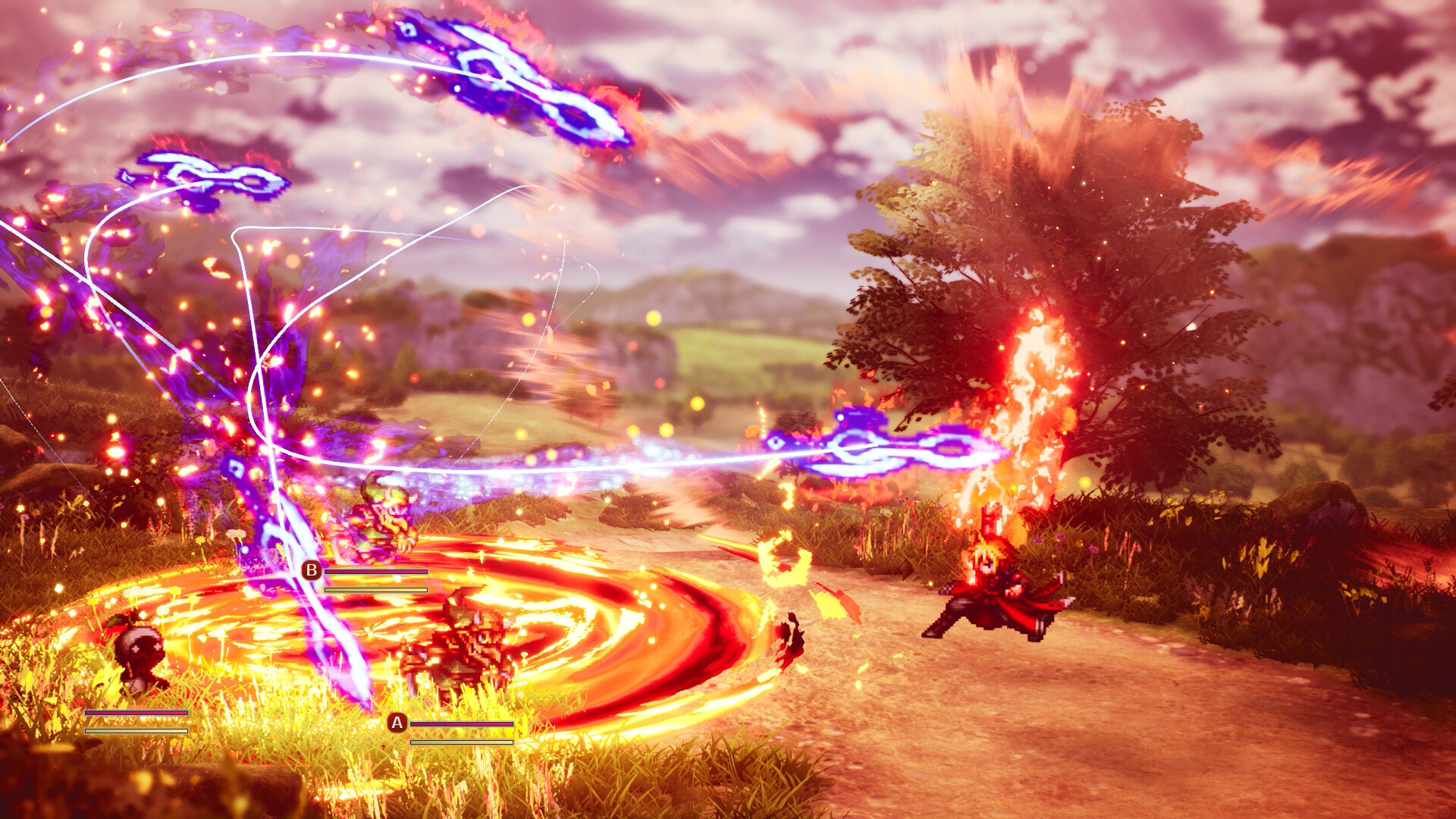
The world combines pixel art with dynamic camera angles and pixelized 3D models, giving the adventure a presentation rooted in classic Final Fantasy. Airships, crystals, espers and moogles are part of that world. In combat, exploiting enemy weaknesses lets you stagger foes, gain extra turns and use powerful Resonance attacks, while Visions bring familiar Final Fantasy heroes’ skills into your team.
How to Start Playing
- Choose the platform where you intend to play the full game. The supported versions are PlayStation 5, Nintendo Switch 2, Nintendo Switch, Xbox Series X|S, Steam for Windows, and Xbox on PC. Your demo progress can carry into the corresponding full game, so make this choice before beginning your save.
- Open Final Fantasy Resonance in your chosen platform’s storefront. For the Windows Steam version, use the game’s Steam product page; for PlayStation, use its PlayStation Store page. These are official storefront routes to the game, and the demo is also available through the relevant console storefronts.
- Select the free demo if you want to try the adventure before buying. It includes the full first chapter, giving you an opening stretch of the story to play at no cost. Use it to decide whether you enjoy the game’s presentation and turn-based battles.
- Choose the Standard or Digital Deluxe Edition when you are ready for the complete game. The full game is already available, so you can begin with a purchased edition immediately. If you started with the demo, continue from its save in the corresponding full game.
Demo, Standard or Digital Deluxe
| Option | What You Get |
|---|---|
| Free demo | The full first chapter, with progress transferable to the corresponding full game. Choose this route if you want to try the adventure before committing to a purchased edition. |
| Standard Edition | A way to start the complete, paid game immediately. Choose this edition if your priority is beginning the main adventure rather than selecting a bundle with extras. |
| Digital Deluxe Edition | The base game bundled with the Magitek & Grimoire Deluxe Pack. Its extras include the Magitek Armor Key, which changes your chocobo’s appearance to magitek armor, and the Archwitch’s Grimoire, which unlocks a character’s Fel Meteor limit burst. |
Check Your PC Before Downloading
For the Windows Steam version, the minimum requirements include Windows 11, 8 GB RAM, DirectX 12 and 15 GB of available storage. Check these alongside your processor and graphics card before downloading. Having enough storage alone does not tell you whether your PC matches the listed specification.
The minimum processor options are AMD Ryzen 3 2300X or Intel Core i3-8100. The listed minimum graphics options are AMD Radeon RX 6400, Intel Arc A580 or NVIDIA GeForce GTX 1650. The minimum specification’s stated target is 1920 × 1080 at 30 FPS using the Low graphics preset.
The recommended processor options are AMD Ryzen 5 2500X or Intel Core i3-8100. The listed recommended graphics options are AMD Radeon RX 5500 XT, Intel Arc A580 or NVIDIA GeForce GTX 1650. The recommended specification’s stated target is 1920 × 1080 at 60 FPS on Highest.
Controls, Difficulty and English Support
On Steam, the game lists full controller support and a keyboard-only option, so consider which input method you prefer before settling in. It also lists DualSense controller support and Steam Input API support. Those options can help you choose a setup that feels comfortable for the adventure.
The Steam listing includes adjustable difficulty, custom volume controls and play without timed input. English is among the supported languages with full audio support. If language, input timing or difficulty options affect your choice, these are useful features to consider alongside the demo.
Before You Begin
- Do I need to play Brave Exvius or older Final Fantasy games first?
- No. Final Fantasy Resonance is accessible to new players, and earlier games are not required to begin its main adventure. Individual Vision Sanctums reference events from their characters’ original Final Fantasy games, however, and some of those scenes contain significant spoilers, so keep that in mind if you plan to play the older stories later.
- Can I play the adventure with friends?
- No. Final Fantasy Resonance is a single-player game, and its storefront does not advertise cooperative or competitive multiplayer. The companions you travel with form your in-game party during the solo adventure.