Help & community
Final Fantasy Resonance FAQ: Get Ready to Play
Get answers about Final Fantasy Resonance platforms, its free demo, US prices, PC requirements, save syncing, ultrawide displays and battle options.
Updated
- Guides
- 36
- Topics
- 3
- On this page
- 7
Start Playing or Try the Free Demo
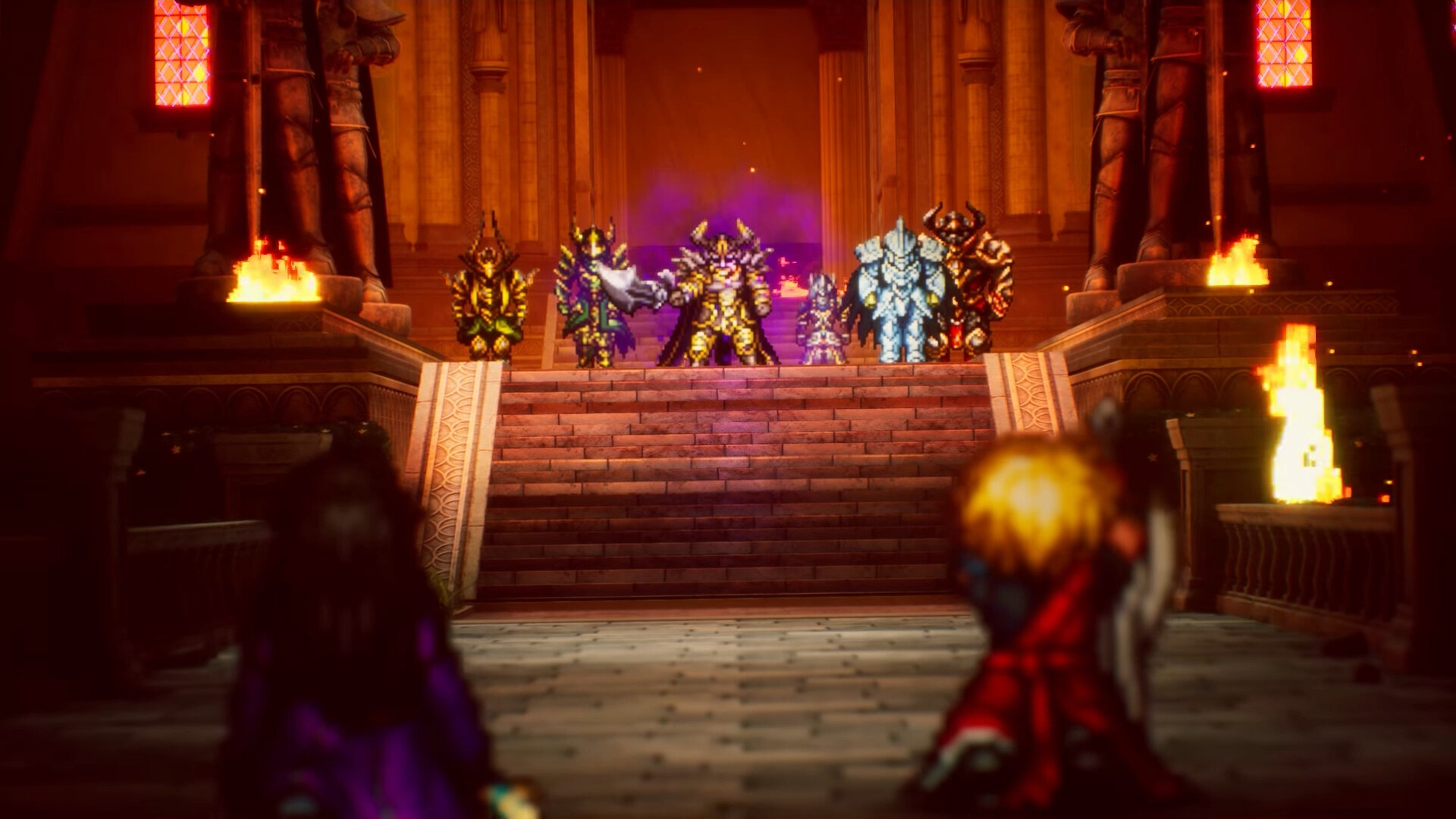
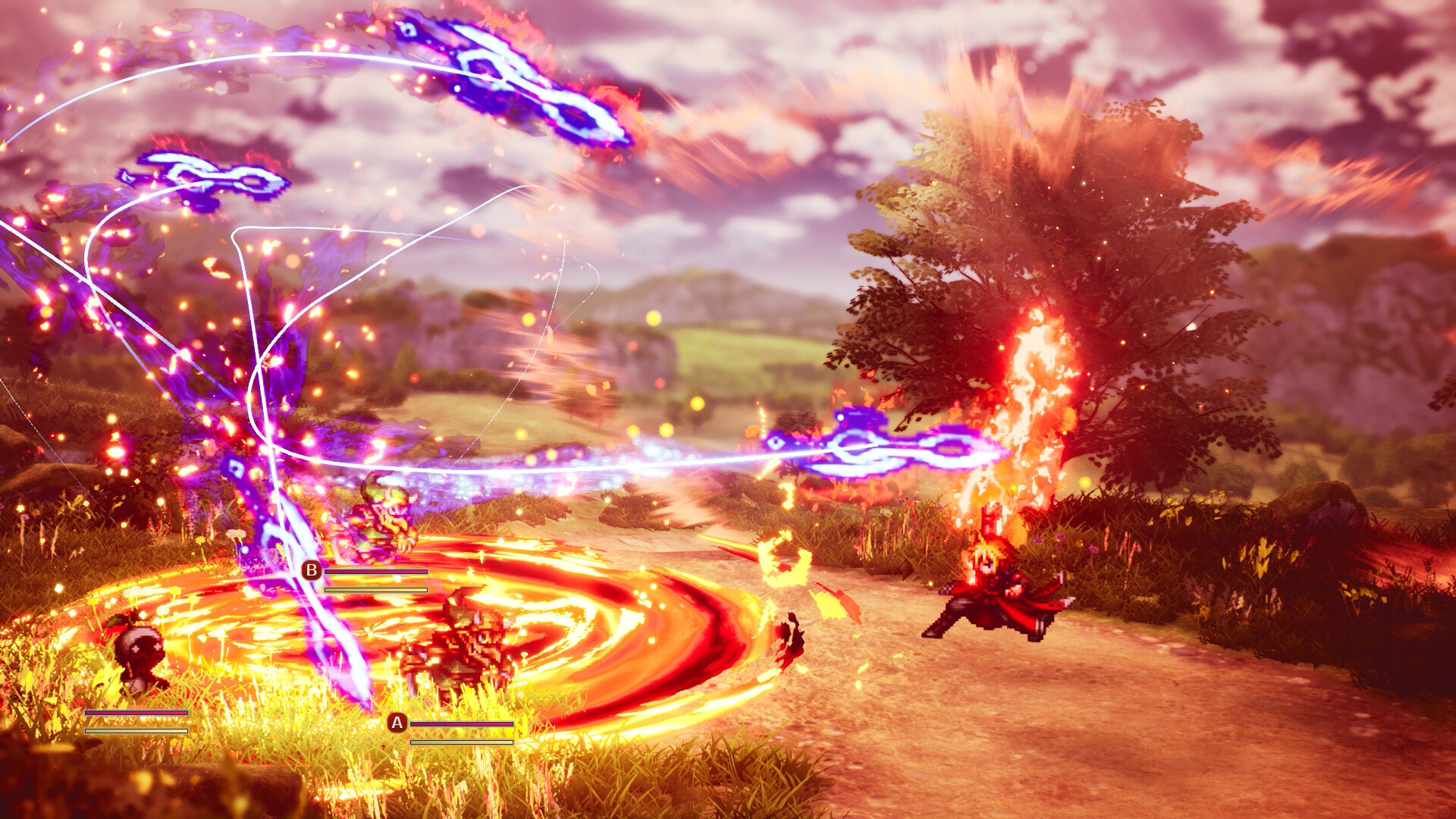
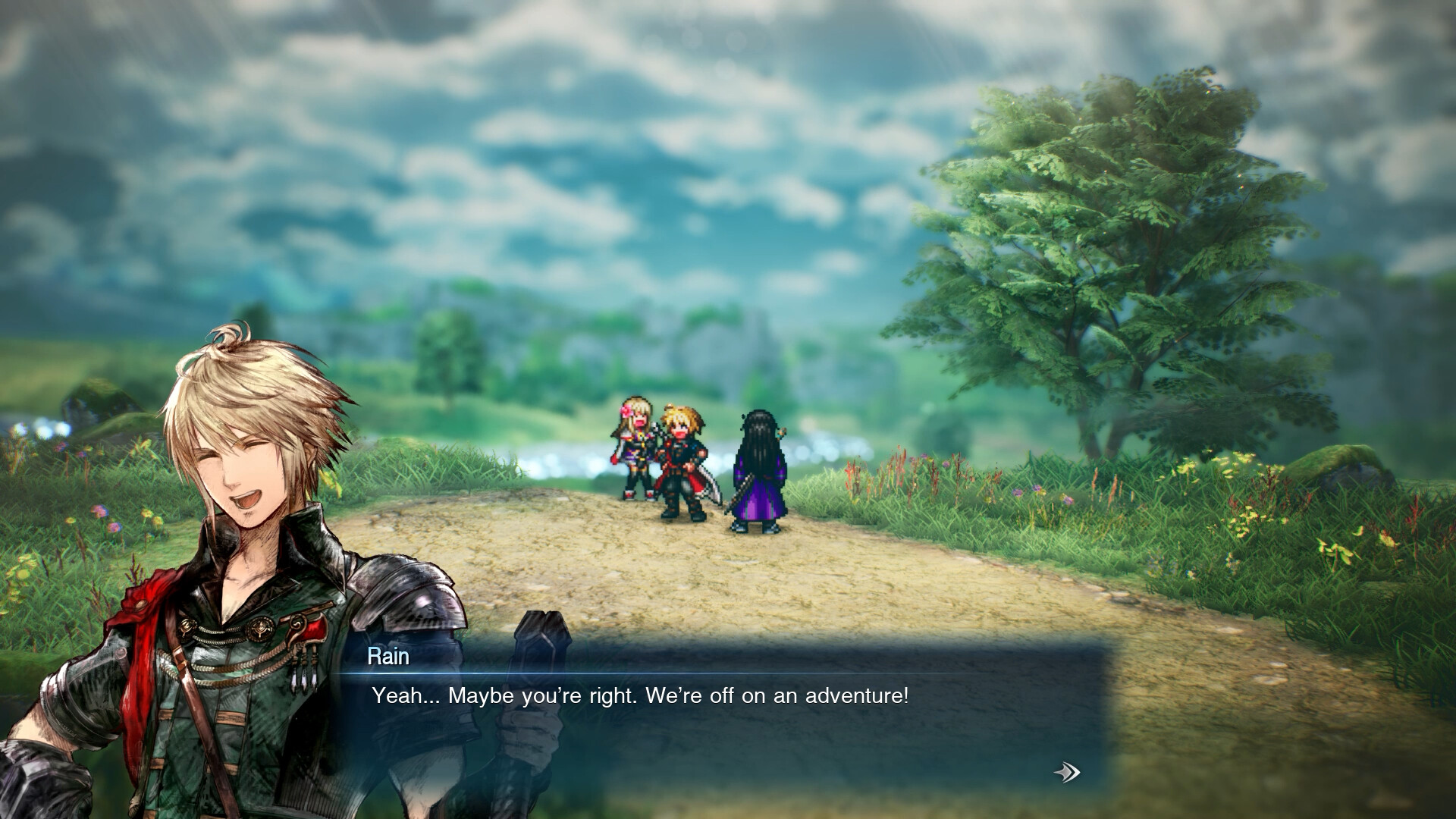
Final Fantasy Resonance is available now as a paid, single-player RPG, and its free demo lets you carry progress into the full game on the same platform. Below are the platform options, US prices, Steam PC requirements and answers to common setup questions.
Platforms, Release and Playing With Friends
- Which platforms and storefronts can I use?
- You can play on PlayStation 5, Nintendo Switch, Nintendo Switch 2, Xbox Series X|S and Windows PC. PC storefront options include Steam and the Microsoft Store on Windows, and Square Enix also lists Xbox on PC. Choose the product listing for the platform where you intend to play.
- Has the full game released, and is there a patch roadmap?
- Yes, the full game released worldwide on October 22, 2026. It is available now, and Square Enix's launch announcement also covers the free demo. That announcement does not set out a detailed future patch roadmap.
- Can I play multiplayer or co-op with friends?
- No multiplayer or co-op mode is listed. Steam identifies the game as Single-player, while the PlayStation Store specifies one offline player. Plan to play the adventure solo.
Download the Demo and Continue Your Save
The free demo covers the opening through the first chapter, estimated at approximately 3-5 hours. Characters are capped at level 15, and Vision Mastery is capped at Rank 5. The purchased game continues the remaining story, progression and additional regions. Supported save transfer lets you continue your demo progress on the same platform.
- Open the Final Fantasy Resonance Steam page to reach the demo download.
- Select Download Demo and install the free demo.
- Play the demo, then keep its save for transfer into the full game on the same platform.
Compare Editions and US Prices
The demo is free, while the full game is a paid purchase. The prices below use US dollars, with the Collector's Edition shown at its announced retail price. Regional prices, currency and taxes can vary, so check your storefront's final total before buying.
| Option | Details |
|---|---|
| Free Demo | Free; includes the opening chapter, with character level 15 and Vision Mastery Rank 5 caps. |
| Standard Edition | US$49.99 for the full base game. |
| Digital Deluxe Edition | US$59.99; includes the base game and Magitek & Grimoire Deluxe Pack. |
| Digital Deluxe Upgrade | US$14.99, purchased separately to upgrade an owned base game. |
| Collector's Edition | Announced US retail price: US$209.99, including the game, Digital Deluxe bonuses and physical collectibles. |
Check Your Steam PC Setup
Use these requirements to check the Steam Windows release. Console players use their respective console versions. Steam also identifies Denuvo Anti-tamper DRM.
| Minimum | Recommended |
|---|---|
| Operating system: Windows 11, 64-bit. | Operating system: Windows 11. |
| Processor: AMD Ryzen 3 2300X or Intel Core i3-8100. | Processor: AMD Ryzen 5 2500X or Intel Core i3-8100. |
| Memory: 8 GB RAM. | Memory: 8 GB RAM. |
| Graphics: AMD Radeon RX 6400, Intel Arc A580 or NVIDIA GeForce GTX 1650. | Graphics: AMD Radeon RX 5500 XT, Intel Arc A580 or NVIDIA GeForce GTX 1650. |
| Graphics API: DirectX Version 12. | Graphics API: DirectX Version 12. |
| Storage: 15 GB available space. | Storage: 15 GB available space. |
| Display target: 1920 × 1080 at 30 FPS, using the Low graphics preset. | Display target: 1920 × 1080 at 60 FPS, using the Highest graphics preset. |
- For controller play, Steam lists full controller support, DualSense Controller Support and Steam Input API Support.
- For keyboard play, the Steam version lists a Keyboard Only Option.
- For difficulty and input timing, Steam lists Adjustable Difficulty and Playable without Timed Input.
Save Sync and Ultrawide Displays
- Why are my imported demo saves missing on Steam Deck or another PC?
- Players have reported missing or older saves on Steam Deck and other PCs after importing demo progress, even though the full game lists Steam Cloud support. Keep the correct local save safe before switching devices, and check that your expected progress is present before continuing. Avoid replacing your current progress with an older copy while troubleshooting the sync.
- How do the demo and community mod handle ultrawide displays?
- Steam players reported stretched output when filling a 21:9 screen in the demo. An unofficial community modification offers wider framing and centered menus for 21:9 and 32:9, but its posted version also has reported cutscene stretching. Those changes come from a community mod and should not be treated as official Square Enix ultrawide support.
Auto-Battle, Boss Icons and Character Unlocks
- How do I turn on auto-battle, and can it use Steal?
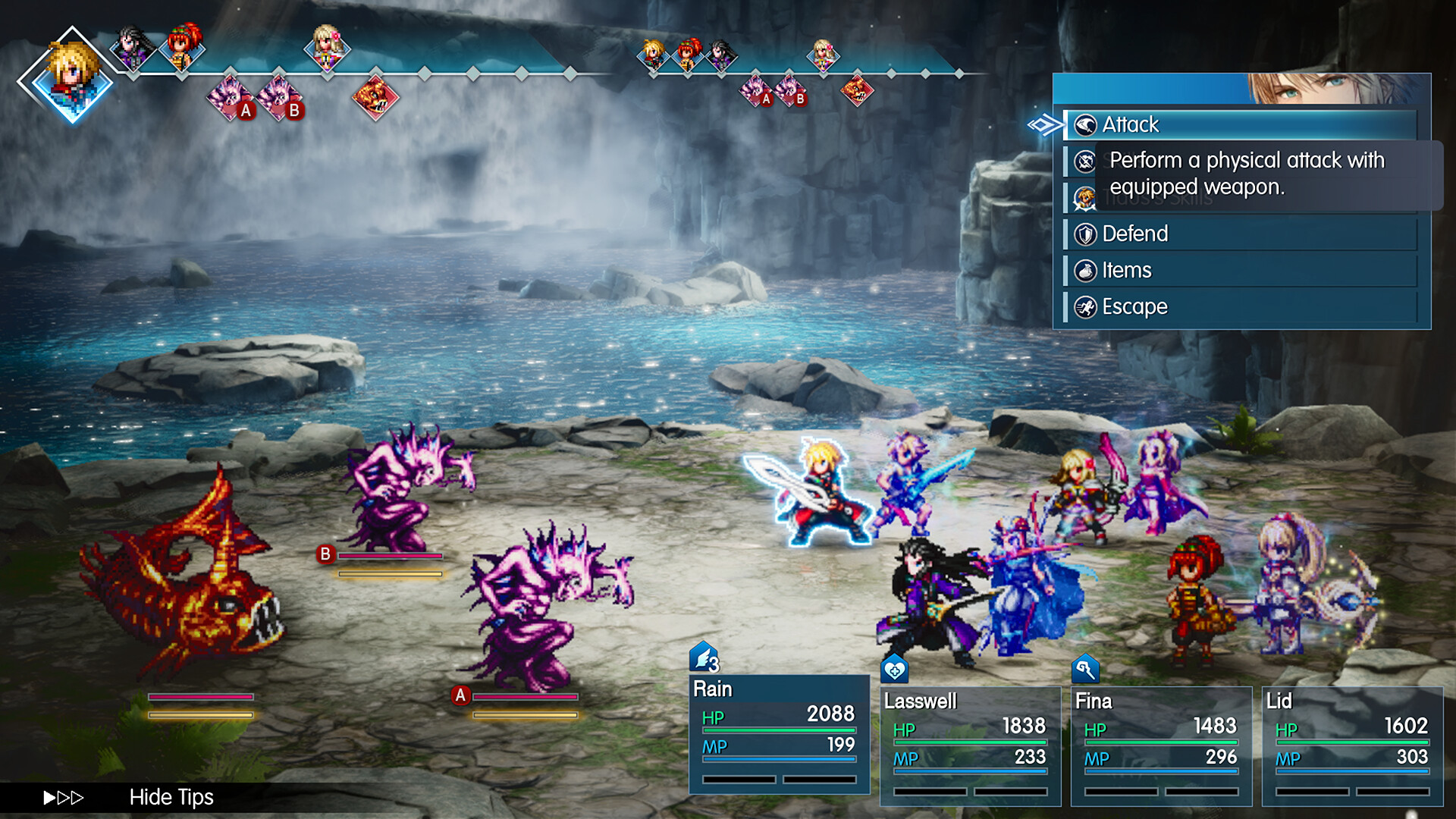
- Players report no native auto-battle option. A Berserker Ring can make an affected character perform basic attacks automatically, but it does not select Steal. Use Steal manually when you want to take an enemy's item.
- How can I interpret boss status-immunity symbols?
- Compare the boss symbols with the game's status information before choosing a status move. Use the named effects as your reference when matching the icons. Keep a note of the symbols you need most often so you can recognize them more easily.
- Is Final Fantasy Resonance a gacha game?
- No. Its 26 Visions have fixed story, Sanctum, quest or boss unlock conditions, and regular party members join through story progression. Final Fantasy Resonance rebuilds the first story arc of Final Fantasy Brave Exvius as a standalone paid RPG, with character acquisition tied to those unlocks.